uv
uv is a Rust-based command-line tool that combines package and project management for Python. It also provides virtual environment handling, a tool runner, and Python version management.
The high-level project workflow is uv’s recommended interface, while a pip-compatible interface offers a drop-in option for existing pip-based workflows.
Installation and Setup
Install the standalone binary:
You can also install uv with pip, Homebrew, and other tools.
Key Features
- Project management as the recommended workflow, with a lockfile for reproducible installs, workspace support, and commands like
uv add,uv lock, anduv sync. - A
pip-compatible interface that serves as a drop-in replacement for commonpip,pip-tools, andvirtualenvcommands, easing migration, with documented differences where behavior diverges. - Tool runner and installer for Python CLI apps via
uvxanduv tool, which create isolated environments for commands. - Python version management, including installing, pinning, and selecting interpreter on demand.
- Disk-efficient caching with a global cache and CI-friendly pruning.
Usage
Install a Python version on demand and create a virtual environment:
$ uv python install 3.14
$ uv venv --python 3.14
Initialize a project and install dependencies:
$ uv init project_name
$ cd project_name
$ uv add requests
Reproduce the working environment in a uv-managed project:
$ uv sync
Run or install command-line tools published as packages:
$ uvx black --version
$ uv tool install ruff
Related Resources
Tutorial
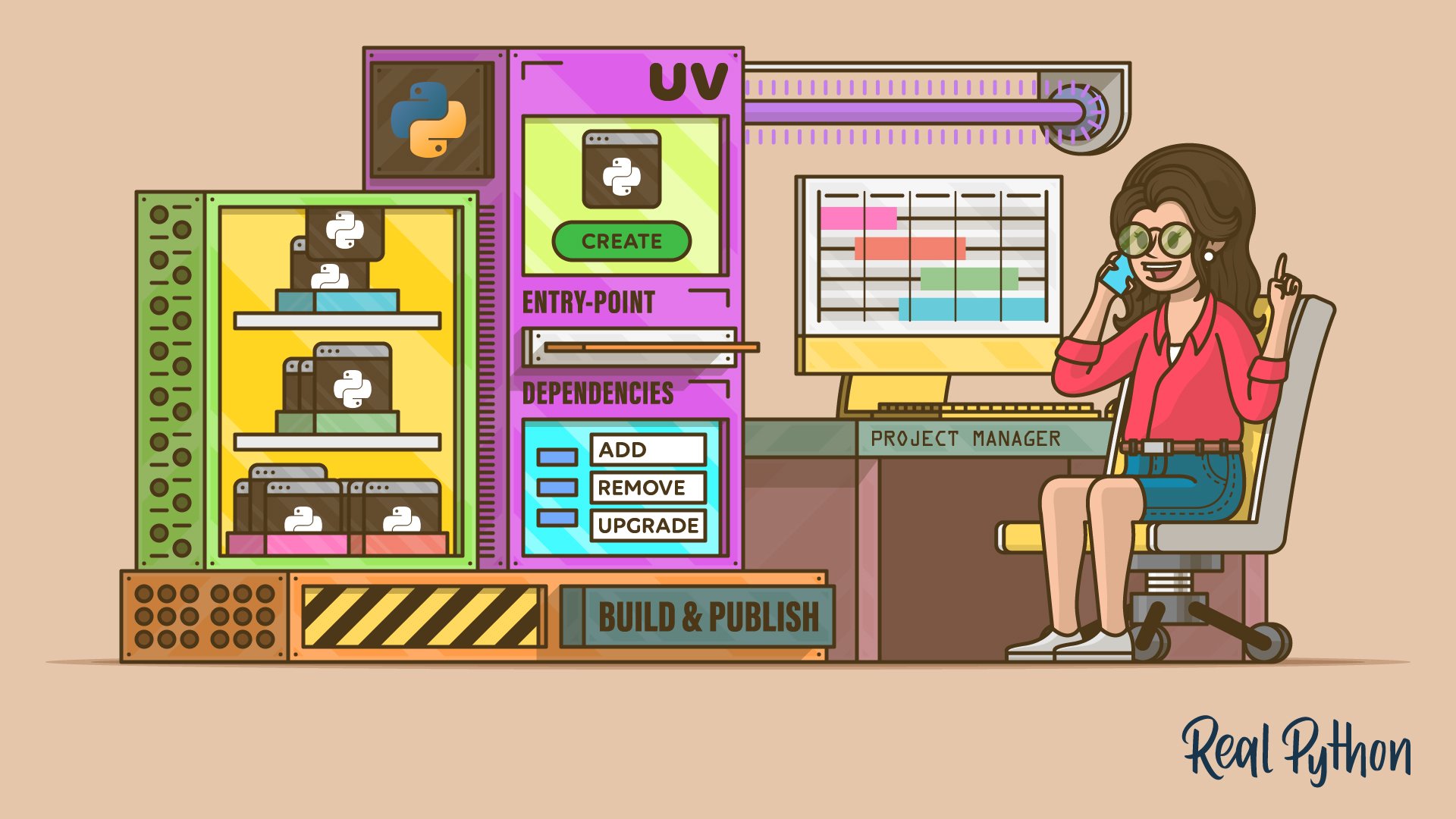
Managing Python Projects With uv: An All-in-One Solution
Learn how to create and manage your Python projects using uv, an extremely fast Python package and project manager written in Rust.
For additional information on related topics, take a look at the following resources:
By Leodanis Pozo Ramos • Updated June 19, 2026