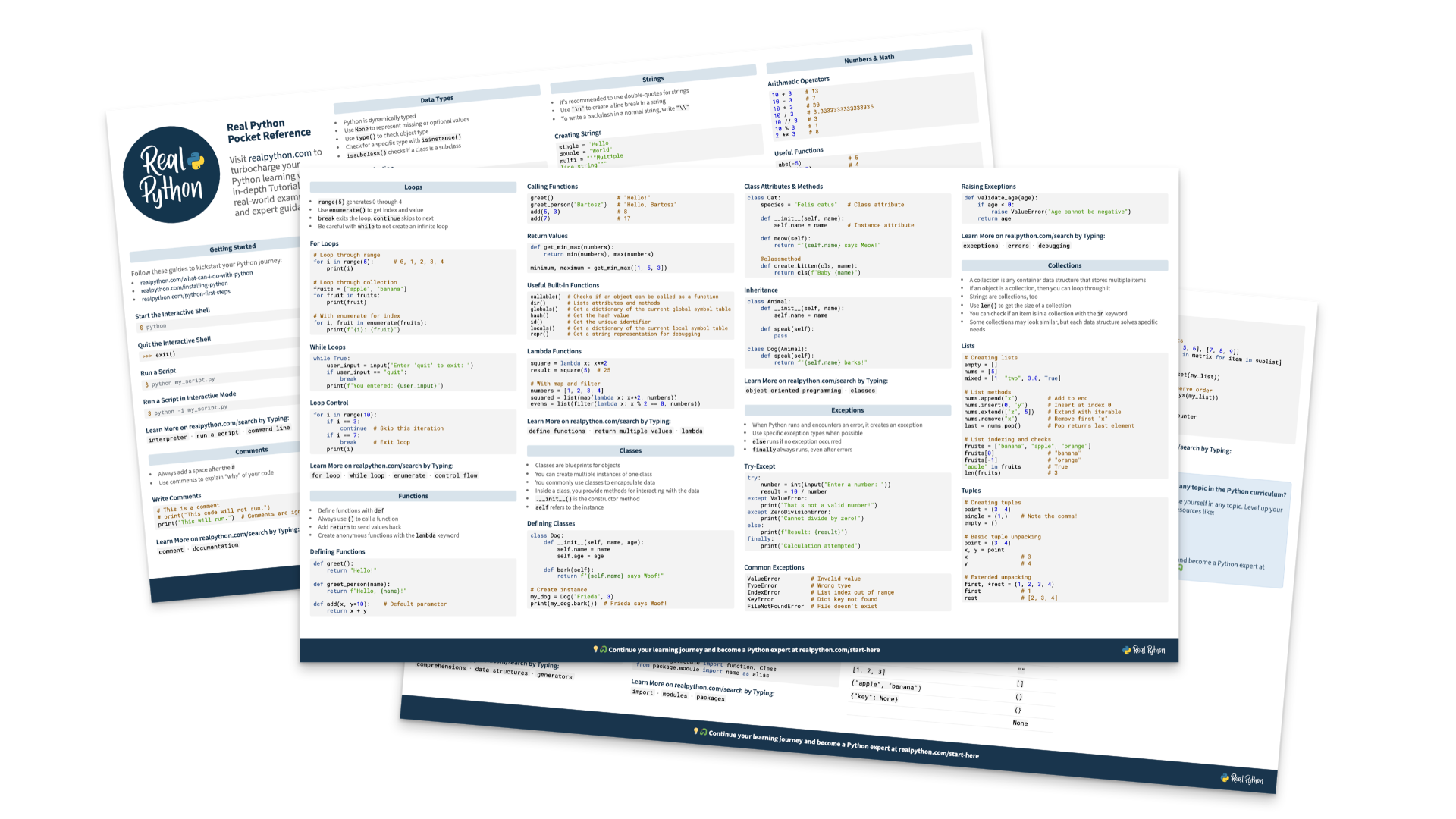
Python and AI tutorials that help you understand
In-depth, practical guides written and reviewed by Python and AI experts
Real Python tutorials don’t stop at “here’s the code.” They explain why it works, show you where it breaks, and give you tools to explore ideas as you read. Every tutorial goes through at least three rounds of editing and review before it’s published.
- 640+in-depth tutorials
- 60+new tutorials in 2026
- 3+ roundsof editing and review
See what a shallow copy really shares
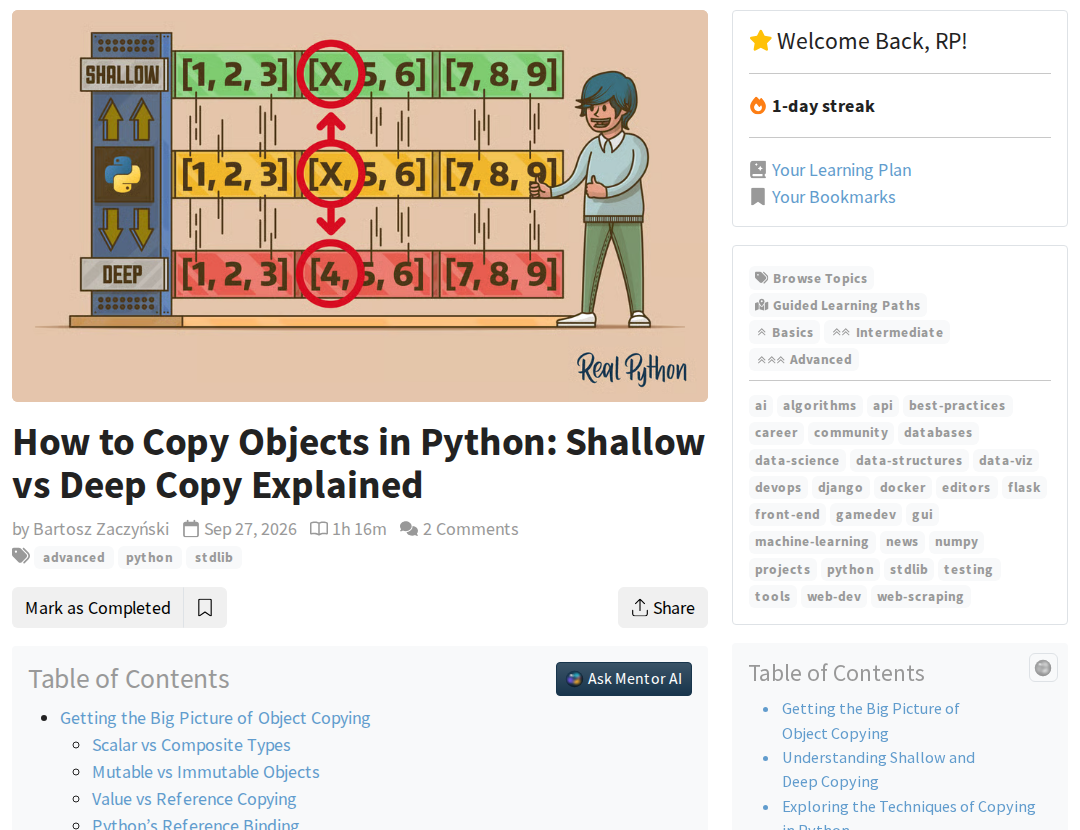
This interactive diagram comes from How to Copy Objects in Python. Pick a shallow or deep copy, then change the clone and watch what happens to the original.
More than 120 tutorials include interactive widgets like this one, so you can explore an idea hands-on instead of just reading about it.
A tutorial that helps you while you read
Real Python tutorials come with learning tools built right into the page:
- Hover over a highlighted Python term to see a quick definition.
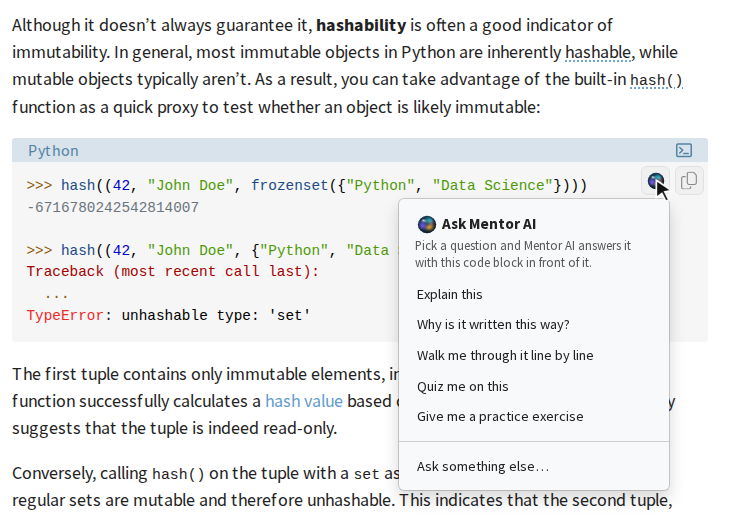
- Ask Mentor AI about any code block to get an explanation, a walkthrough, or a practice exercise.
- Work through exercises, then reveal the solution to compare.
- Mark the tutorial as completed when you’re done.
Everything you need to go from reading to doing
Code that works
Realistic examples you can copy with one click and run yourself, tested and reviewed by the team.
Terms explained in place
Python terms link to the Python reference, with nearly 1,000 short entries you can preview without leaving the page.
Easy to navigate
A table of contents shows the whole tutorial and highlights the section you’re reading.
A quiz to check yourself
More than 360 tutorials come with an interactive quiz to test what you’ve learned.
A mentor for every code example
Stuck on a code block? Click Ask Mentor AI and pick a question, like Explain this, Walk me through it line by line, or Give me a practice exercise.
Mentor AI answers with that exact code in front of it and knows which tutorial you’re reading, so you get answers that fit where you are.
Created, curated, and vetted by Pythonistas
Each tutorial is written by an experienced Python developer and then reviewed for technical accuracy, teaching clarity, and language before it goes live.
We also update tutorials regularly, so what you learn keeps working with current versions of Python.
From your first script to advanced Python
Browse tutorials by skill level, or by topic, from data science and web development to testing, AI, and more.
Basics
Core syntax, data types, functions, and the tools you need to write your first real programs.
Browse Basics tutorials →Intermediate
Object-oriented programming, testing, working with data, building web apps, and writing more Pythonic code.
Browse Intermediate tutorials →Advanced
Concurrency, metaprogramming, performance, and how Python works under the hood.
Browse Advanced tutorials →Questions and answers
Most written tutorials are free to read. A Real Python membership adds video courses, downloadable resources, completion certificates, and more.
Tutorials are written by experienced Python developers and educators from the Real Python team. Each one is reviewed and edited several times before it’s published.
Browse by skill level or topic, follow a learning path, or tell Mentor AI what you want to learn and it’ll suggest where to start.
Yes. Click Mark as Completed when you finish a tutorial, and add a bookmark to save it for later.
Many tutorials have a companion video course. Look for the recommended course next to the tutorial.
Find your next Python and AI tutorial
New tutorials come out every week, and there are hundreds more waiting for you.